
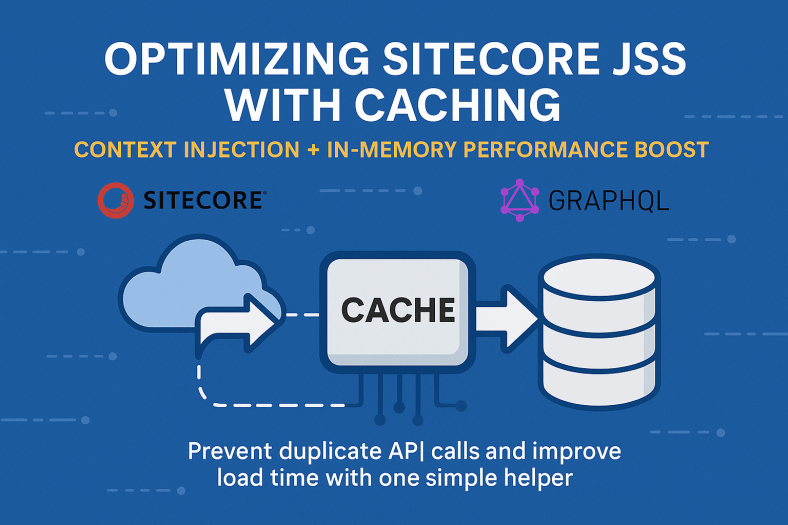
In Part 1, we saw how to inject global configuration data into the Sitecore context using a page-props-factory-plugin. While this reduces redundancy, repeatedly fetching this data from an external source can still impact performance. In this post, we’ll introduce a caching layer to avoid unnecessary API calls and further optimize your Sitecore JSS application.
Why Add Caching?
Even if data is only fetched once per page load, doing so for every request can add latency. Caching allows you to:
- Prevent duplicate fetches
- Reduce server load
- Improve response times
Step-by-Step: Add Caching to Your graphQl call
Step 1: Create a Cache Helper
Create a reusable utility to cache API responses in memory:
import cache from 'memory-cache';
export async function getOrSetCache<T>(
  cacheKey: string,
  getData: () => Promise<T>,
  duration = 5 * 60 * 1000
) {
  const cachedResponse = cache.get(cacheKey) as T | null;

  if (cachedResponse !== null) {
    return cachedResponse;
  }
  const response = await getData();
  cache.put(cacheKey, response, duration);
  return response;
}
export async function getCache<T>(cacheKey: string) {
  const cachedResponse = cache.get(cacheKey) as T | null;
  return cachedResponse;
}
Step 2: Integrate It into Your Plugin
Modify your GraphqlDataPlugin to use the cache:
const cacheKey = `GraphqlDataPlugin:${siteName}:${language}`;
const [configuration] = await getOrSetCache(cacheKey, () =>
  Promise.all([
    getConfigData(siteName, language),
  ])
);
const cacheKey = `GraphqlDataPlugin:${siteName}:${language}`;This line constructs a unique identifier—called a cache key—used to store and retrieve data from an in-memory cache efficiently.
Breaking It Down
GraphqlDataPlugin:— A prefix to namespace the cache key, ensuring it doesn’t collide with other keys in memory that may be used elsewhere in your application.${siteName}— Differentiates data based on the specific Sitecore site being rendered. Useful in multi-site environments.${language}— Ensures that cached data respects the language context (e.g., English vs. French), which is a common requirement in multilingual Sitecore implementations.
Now, configuration data is cached and only fetched if it’s not already available.
Example
If you’re rendering the site called storefront in the en language, the resulting key would be:
GraphqlDataPlugin:storefront:enThis ensures:
- Cached configuration is scoped to the correct site and language
- Avoids unnecessary duplicate GraphQL calls for repeated page loads
- Ensures fast data retrieval from memory if the same data was already fetched within the cache duration
This approach optimizes performance, reduces backend load, and ensures contextually correct data is served across your Sitecore JSS app.
Conclusion: Context + Caching = Performance
By combining context-based data injection with in-memory caching, you achieve both scalability and performance. Your application benefits from:
- Cleaner architecture
- Faster load times
- Reduced API usage
This setup is ideal for enterprise Sitecore JSS apps where global configuration data must be consistent and efficient. Together, the context and caching strategy elevate your application’s robustness and maintainability.
 Ravi Vadher